B2B SaaS Website Design: How to Turn Product Complexity Into Qualified Demos
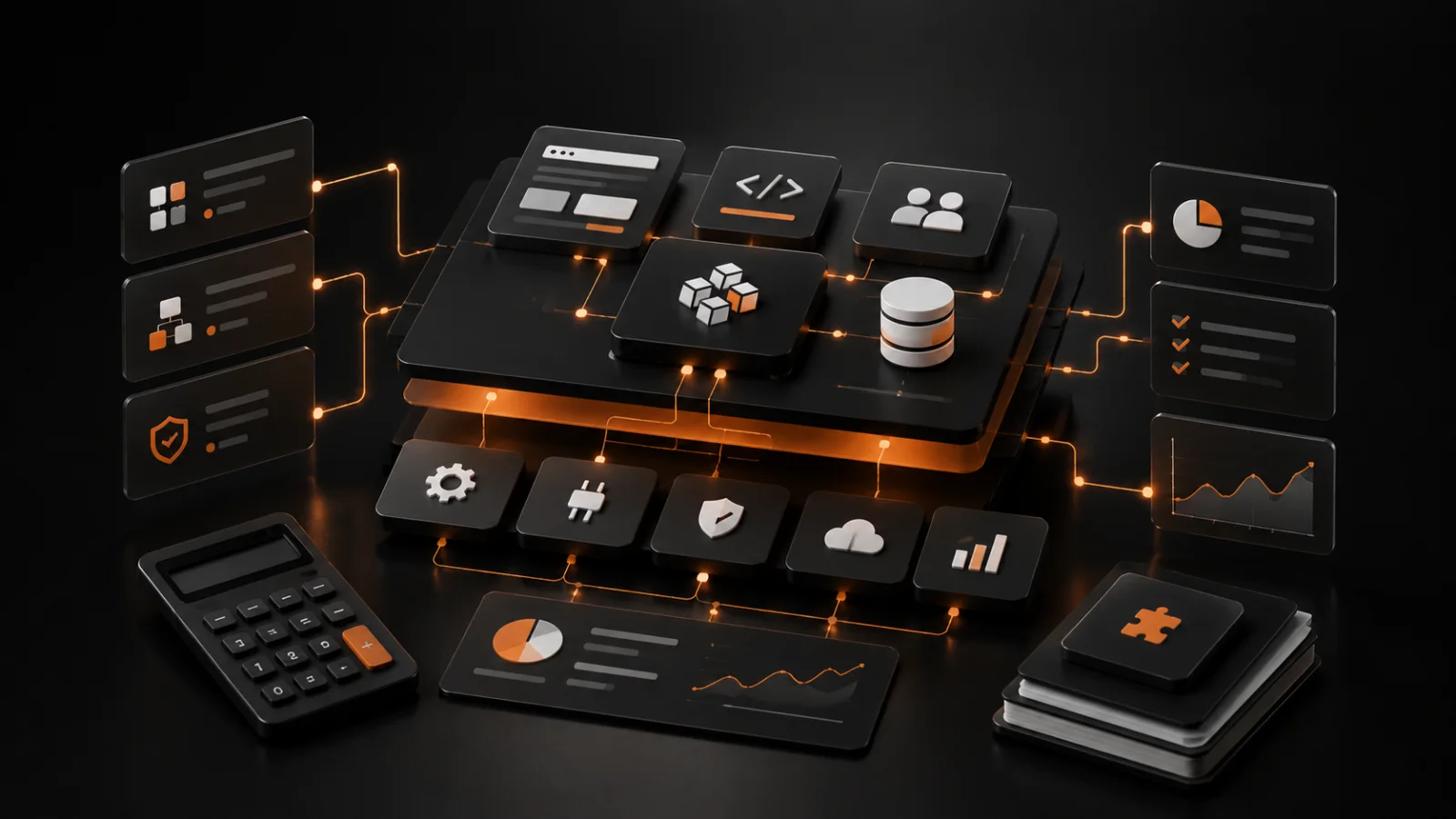
B2B SaaS website design is not a product screenshot on a dark gradient. It is the work of making a complicated product legible to a buyer who has limited time, a real problem and usually several alternatives open in other tabs.
Start with the business problem, not the product category
Many SaaS sites lead with a category label: platform, intelligence layer, workspace or operating system. That language may make sense inside the company, but it does not help a prospective customer decide whether the product solves their problem.
A stronger opening names a specific team, the costly workflow they are stuck with and the outcome the product creates. A finance tool should explain how it shortens reporting cycles. A sales tool should explain how it improves pipeline decisions. The visitor should not need a product tour to understand the point.
This also makes SEO clearer. Product and solution pages can answer the terms buyers actually search while the homepage gives the overall positioning a simple, credible shape.
Show the workflow before showing every feature
Feature grids usually grow because every internal stakeholder wants their capability represented. Buyers do not evaluate software that way. They want to know what changes in their work after they adopt it.
Show one concrete path: data enters the system, the team sees the right context, an approval happens and a measurable result follows. Product screens are useful within that story because they provide proof instead of visual decoration.
For enterprise or technical products, include implementation, security, integrations and ownership early enough to remove the questions that block a serious demo request.
- Who uses the product and what triggers the workflow?
- What becomes faster, safer or easier to manage?
- Which systems does it connect to?
- What evidence proves the outcome is realistic?
Treat the demo path as a sales handoff
A SaaS website cannot manufacture product-market fit, but it can stop good leads from disappearing before the sales team sees them. The demo route needs a visible next step, a realistic expectation of what happens next and enough context to make the conversation useful.
Avoid forcing every visitor into the same request. A buyer evaluating the platform, a technical lead checking integrations and a smaller team wanting a trial may need different paths. Good routing improves both the visitor experience and sales follow-up.
Panic Digital builds SaaS sites as part of the growth system: messaging, product proof, fast delivery, analytics and the lead handoff behind the form all need to agree.
Implementation checklist
- 01State the buyer, problem and result in the opening screen.
- 02Turn product screenshots into workflow proof with useful captions.
- 03Create solution pages for the use cases buyers actually compare.
- 04Add security, integrations and implementation answers before the demo form.
- 05Track demo starts, qualified submissions and source-to-opportunity quality.
FAQ
What should a B2B SaaS website include?
A strong B2B SaaS website includes a clear value proposition, use-case pages, product workflow proof, integration and security information, customer evidence, a qualified demo path and conversion analytics.
How can a SaaS website increase demo requests?
Make the product outcome clear, answer common buying questions before the form, show relevant proof for each audience and reduce unnecessary friction in the request flow.
Next reads
Related guides.
High-Converting B2B Website
A practical guide to building B2B websites that generate qualified leads, communicate trust and support sales instead of just looking polished.
How to Get More Leads From Your Website
How to get more leads from your website by fixing the offer, first screen, proof, service pages, contact path, speed and follow-up before increasing traffic spend.
AI Lead Generation for B2B
How B2B companies can use AI lead generation to qualify inbound demand, improve follow-up and create a cleaner sales pipeline without automating the human part away.